Continuous or paged
Choose a long vertical canvas, familiar left-to-right pages, or right-to-left manga navigation.
Yomiria is a calm, focused manga reader for iPhone—built for continuous chapters, dependable offline reading, and a library that remembers your place.
Available features and sources depend on authorization, availability, and region.
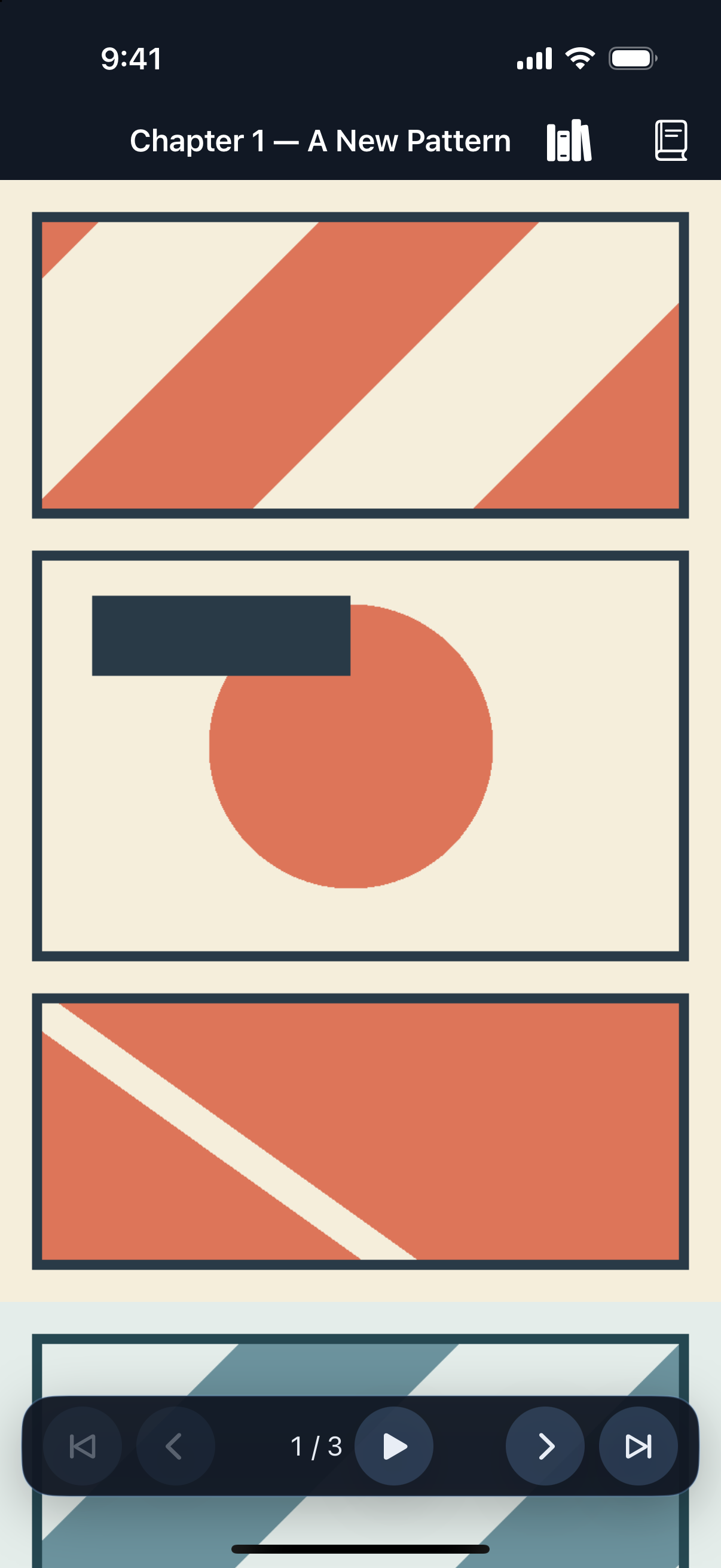
Inside the app
Captured from the iPhone app using its original offline sample. No third-party manga titles or artwork are shown.
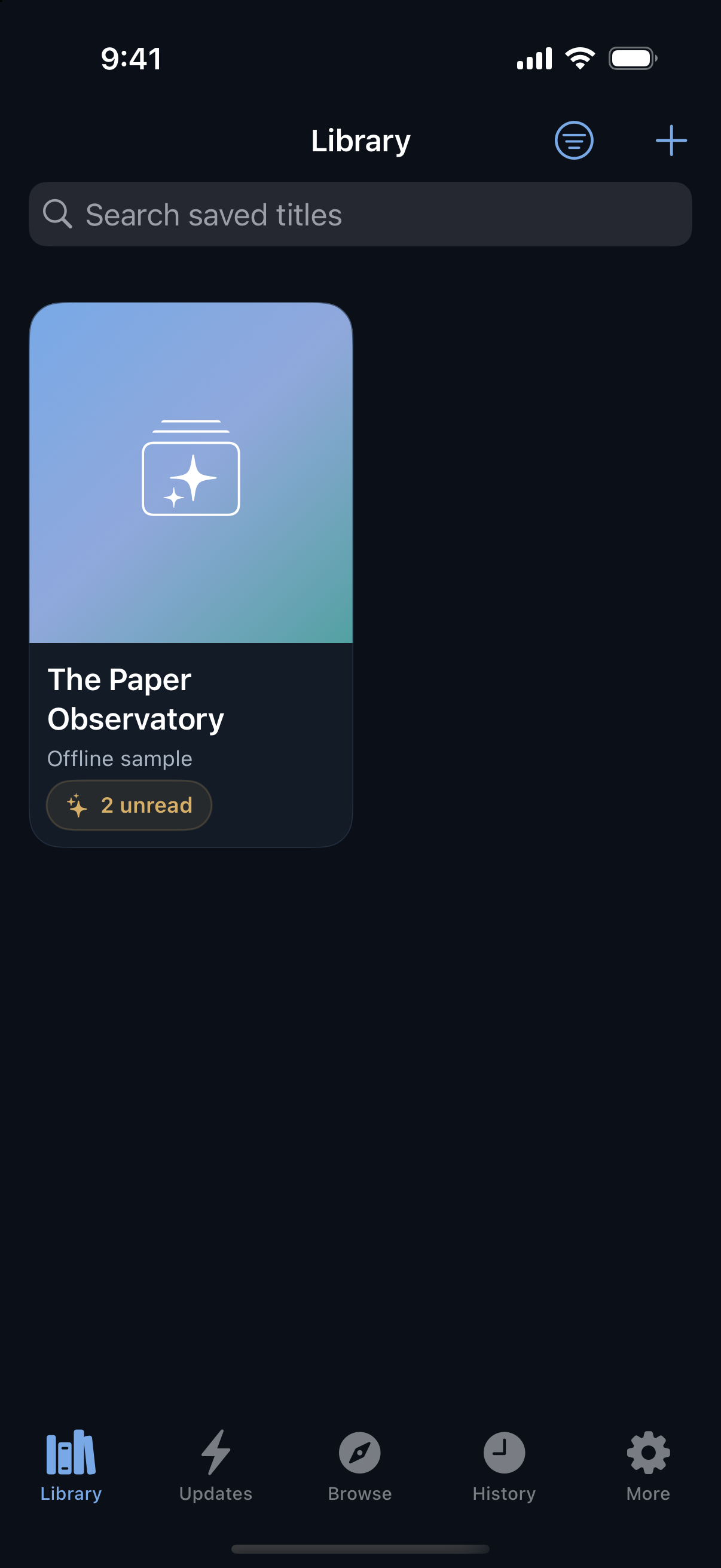
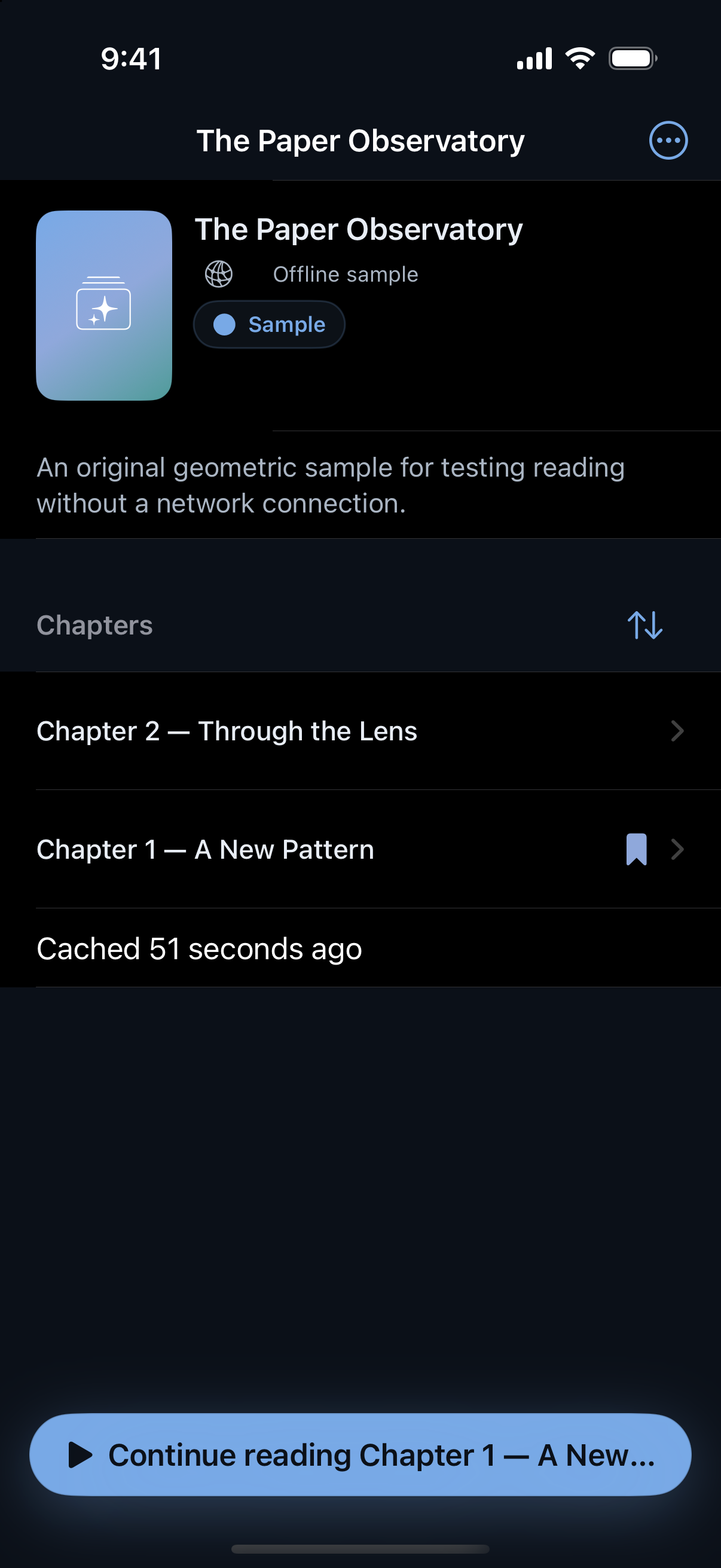
Start with your library, not a sign-up form.
Keep your chapter position, history, and preferences on your device.
Scroll continuously or turn pages left-to-right and right-to-left.
Save authorized complete chapters before you lose the connection.
A chapter ending should not end the moment
In continuous mode, Yomiria can place the next available chapter directly below the one you are reading. No return to a chapter list. No jarring reload. Just a clear chapter boundary and more story when you keep scrolling.
One vertical canvas. Chapter identity and saved position stay visible across the boundary.
Choose a long vertical canvas, familiar left-to-right pages, or right-to-left manga navigation.
Save titles, see unread chapters, check updates, and return through a local reading history.
Yomiria remembers the chapter, page, and position so returning feels immediate.
Reader tools stay close when you need them and let the artwork take over when you do not.
Ready beyond Wi-Fi
For authorized sources, Yomiria verifies every expected page before calling a chapter downloaded. Queue chapters before a trip, see their progress, and open completed downloads when the network disappears.
Offline availability varies by provider and chapter rights.
Only fully validated chapters earn the Downloaded state. States use text and shape, never color alone.
Comfort follows you
Switch reading direction, zoom into detail, navigate pages precisely, and choose a reader appearance that stays comfortable during longer sessions.
Direction, zoom, page navigation, and appearance. Controls fade so pages stay the focus.
Local by default
Yomiria stores your library, progress, history, and preferences locally on your iPhone. The app connects directly to a selected content provider when an online feature needs it. No Ticketnation advertising or cross-app tracking SDK is included in the planned first release.
Library, progress, and preferences stay on your device.
Make room for a quieter, more continuous way to read on iPhone.
Compatibility: iPhone · Requires iOS 17 or later.